How to Sign In
- 1
Open 555VU
App or an official address.
- 2
Tap Log In
On the home screen or in Profile.
- 3
Enter your details
Registered number and password.
- 4
Play
Your PKR balance shows at the top.
What Auto Login Does
The Quick APP is ticked for “Auto login”. Sign in once and it opens straight to your lobby next time. It is convenient, but anyone holding your unlocked phone gets in too, so keep a screen lock on.
Forgot Your Password?
- 1
Tap reset on the login screen
Start the recovery flow.
- 2
Verify your number
Enter the code you receive.
- 3
Set a new password
Make it unique, then sign in.
Support never asks for your password or verification code.
When Your Usual Link Won’t Open
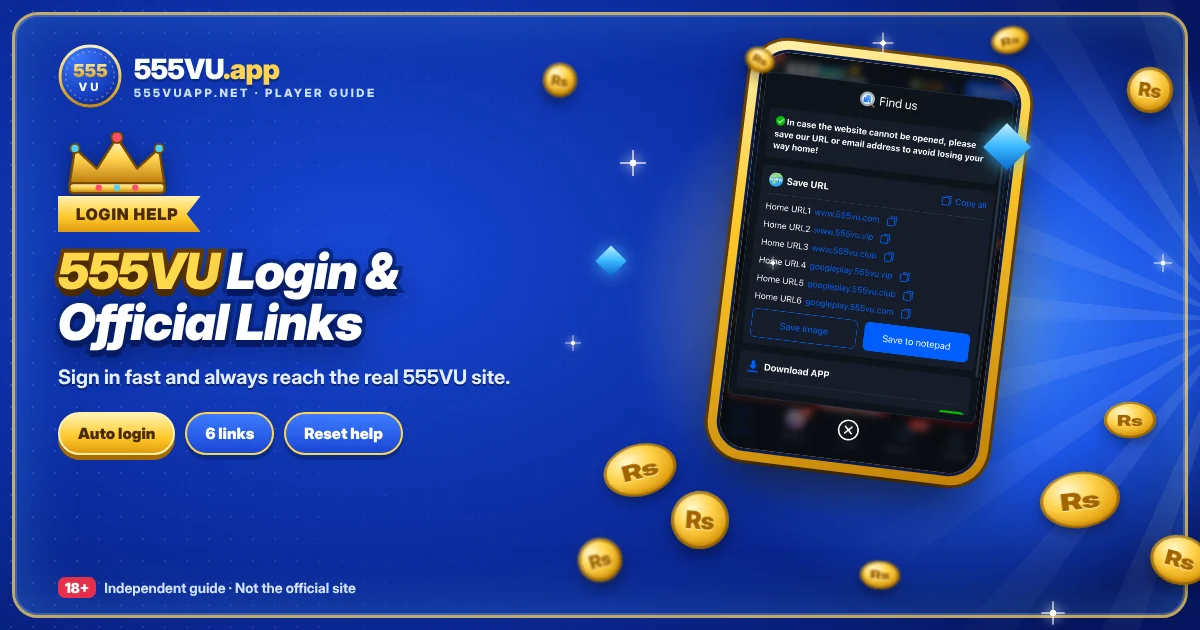
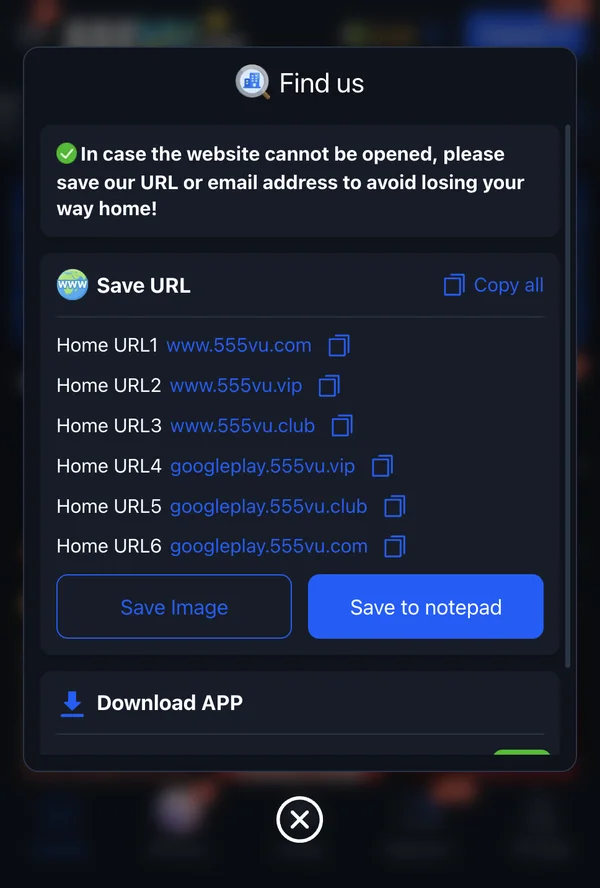
Do not search for a new address. Use the “Find us” list: www.555vu.com, www.555vu.vip, www.555vu.club and the googleplay subdomains of each. The screen offers “Copy all”, “Save Image” and “Save to notepad” so you can keep it handy.
Login Problems and Fixes
Wrong password
Check keyboard language and Caps Lock, or reset.
No code
Wait a minute and request again.
Locked out
Wait or contact live support.
New phone
Reinstall and sign in with the same details.
Login FAQs
Do I need to log in every time?
Not with the Quick APP.
Same details on Android and iPhone?
Yes.
Who can unlock my account?
Official 555VU live support.
Sign in to 555VU
Use the app or a saved official address.
18+ only · Real-money gaming involves risk